Phone pairing through the relay
The printed pairing URL uses the remote origin and a short route id, so a phone can open Canary without being on the same LAN.
 ibkr canary
Canary can now pair a phone through a remote HTTPS relay while the app, broker session, and authorization still run from your Mac. It is meant for early users who already understand the local IBKR setup and want mobile access away from the LAN.
Experimental beta: for now, relay-agent operation is maintainer-assisted and may change without compatibility promises.
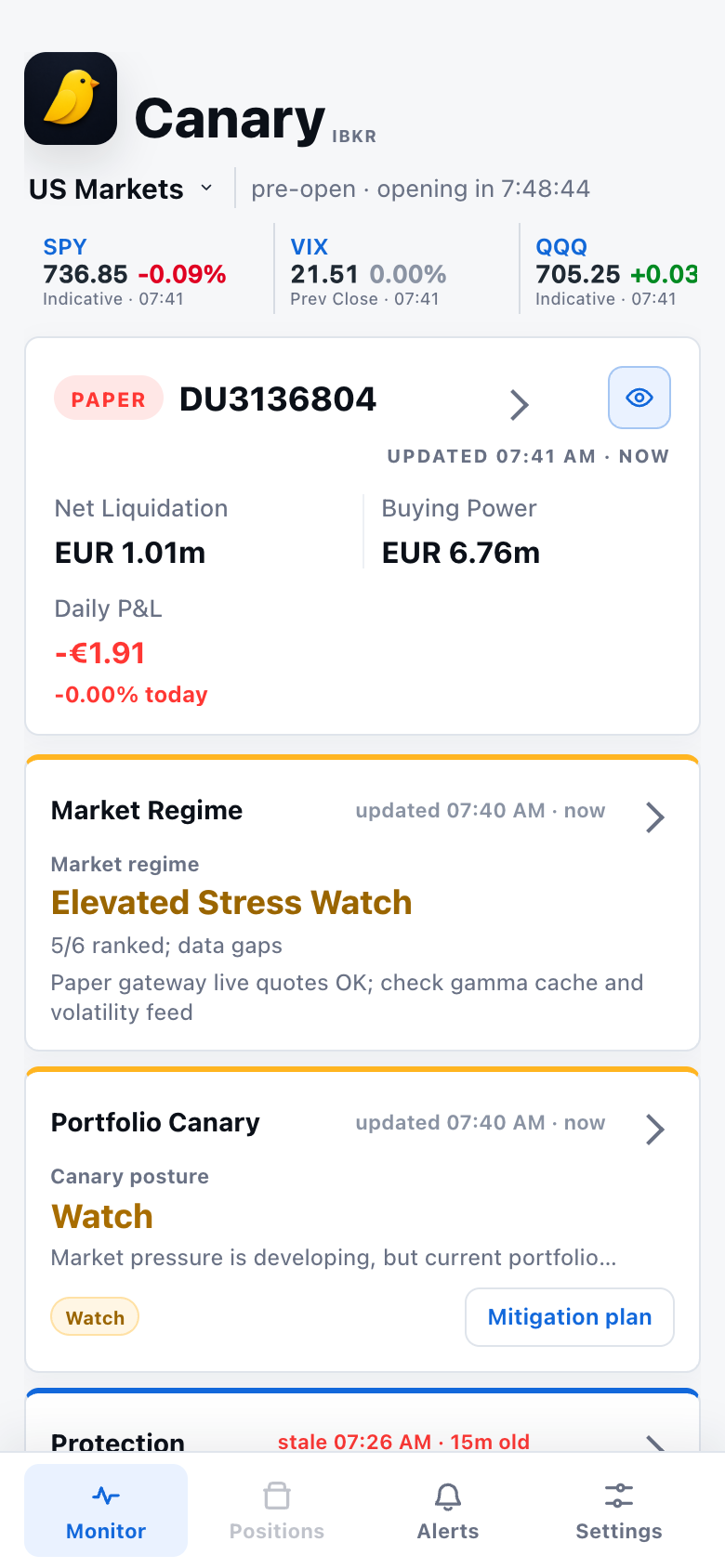
Since v2.1 the monitor tab opens on a daily desk brief with five sections (market, calendar, portfolio, risk, process), composed by the daemon on your Mac and rendered in the paired app.
The remote path keeps the local-first design, but makes the paired PWA reachable from outside your home network.
The printed pairing URL uses the remote origin and a short route id, so a phone can open Canary without being on the same LAN.
The relay forwards allowed app traffic only. Pairing creation, device grants, sessions, and broker data access remain in the local app process.
The feature is intentionally narrow while the relay operations, failure modes, and install flow are proven with early users.
Run the app in remote mode on the Mac that already has TWS or IB Gateway running.
ibkr app --remote

# in another shell
ibkr app pairibkr status is healthy enough for app reads.ibkr app --remote. The app opens an outbound connector to the relay; you do not expose an inbound port on your Mac.ibkr app pair and open the printed URL on the phone. The URL includes a short-lived pairing id, nonce, and relay route.ibkr setup app --remote, reload the LaunchAgent, then use ibkr restart --app without flag overrides.Remote access uses TLS-protected transport: the phone connects to the relay over HTTPS, and the Mac connector uses WSS. Network intermediaries between the phone, relay, and Mac connector cannot read the traffic without breaking TLS.
The relay is transport only, not the owner of your broker session. The local app creates pairing sessions, validates device proof, sets the session cookie, and talks to the daemon. The current relay is not an extra app-layer end-to-end encryption boundary, so treat the operated relay as trusted beta infrastructure.
The default remote origin is https://remote.osauer.dev; the connector URL is upgraded to wss://.
Remote requests cannot create pairing sessions. That local-control action is accepted only from the Mac-side app.
The relay does not receive an IBKR username, password, TWS socket, or hosted broker connection. Your local TWS/Gateway remains the source.
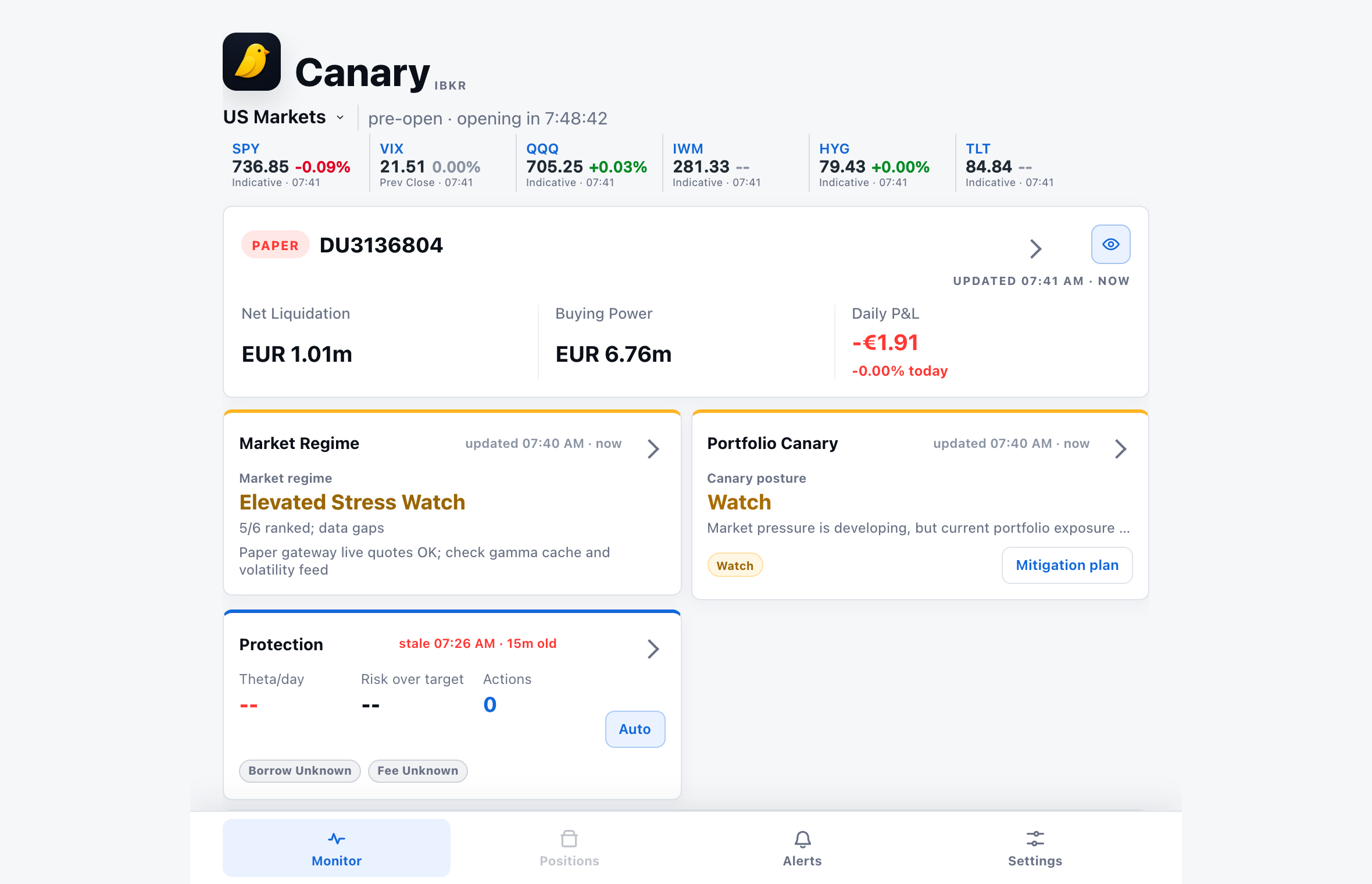
These captures are from the real PWA served by ibkr app; the account id and balances are synthetic fixture values (the market strip is live public data), regenerated with make app-screenshots.